- What supporting documents do companies usually keep for tax expense records?
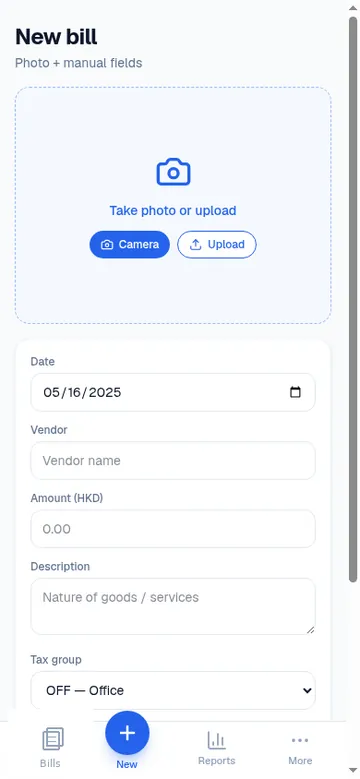
- Companies commonly retain invoices and receipts that support deductible expenses for tax review. BillTax stores bill photos with dates, amounts, vendors, and tax groups by fiscal year so you can find and export them later. This is general information, not tax advice — confirm requirements with your tax adviser and your tax authority’s guidance.
- What are tagging best practices in BillTax?
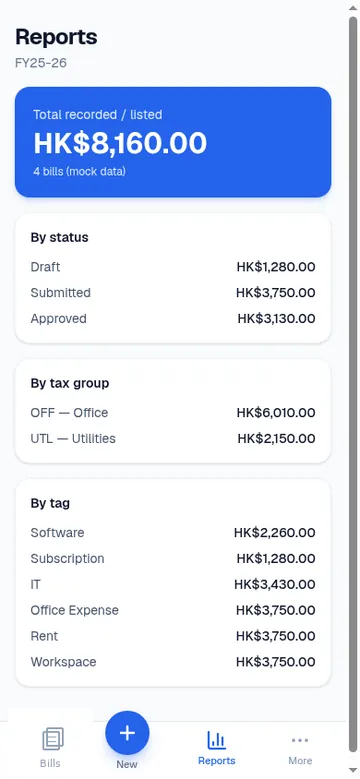
- Apply tax groups that match how you (or your accountant) review expenses, plus short tags for vendors or projects. Tag as you save each bill so Reports can total by tax group and tag before year-end — avoid leaving a backlog of untagged drafts.
- How does fiscal year work in BillTax?
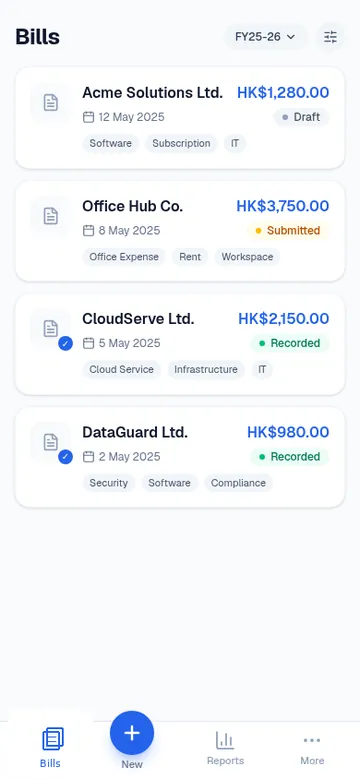
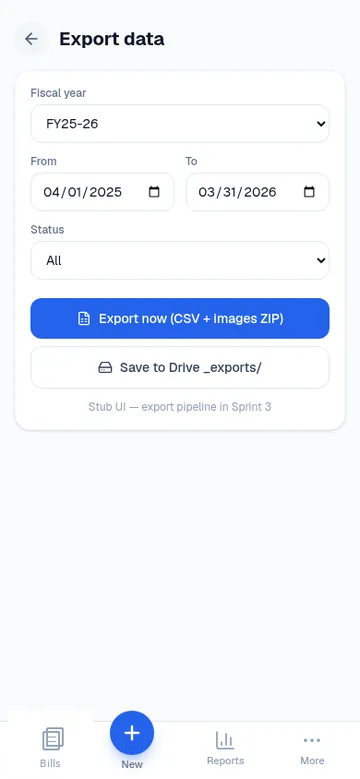
- BillTax organises bills around your company fiscal year settings so lists and Reports align with the period you use for tax records. Pick the fiscal year when browsing bills or Reports, then export that same set in your ZIP pack.
- What exactly is in the ZIP export?
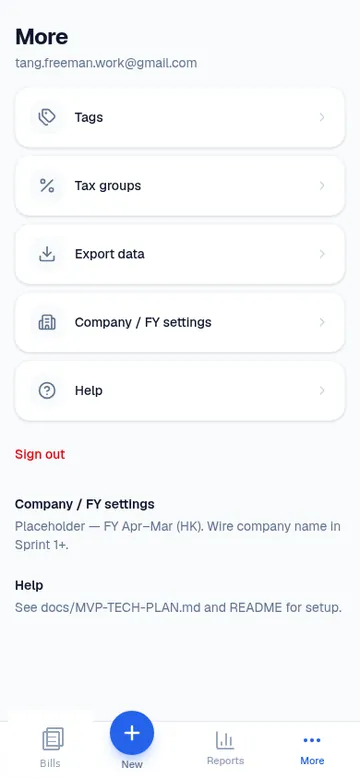
- Each ZIP export includes bills.csv, full receipt images, report.pdf, and charts.pdf. That pack is designed for bookkeeping and tax review handoff — your live account remains the source of truth for metadata and photos.
- What mistakes should I avoid when sending a ZIP pack to an accountant?
- Export the correct fiscal year and bill status set; finish tagging tax groups before export; keep void bills out of the pack you intend for review; and send the whole ZIP (CSV + images + both PDFs) rather than only a spreadsheet. Open report.pdf once to confirm totals match what you expect.
- Do I need a Google account to register?
- No. Register or sign in with an email passcode or a passkey. There is no Google login for BillTax.